TikTok Video Downloader
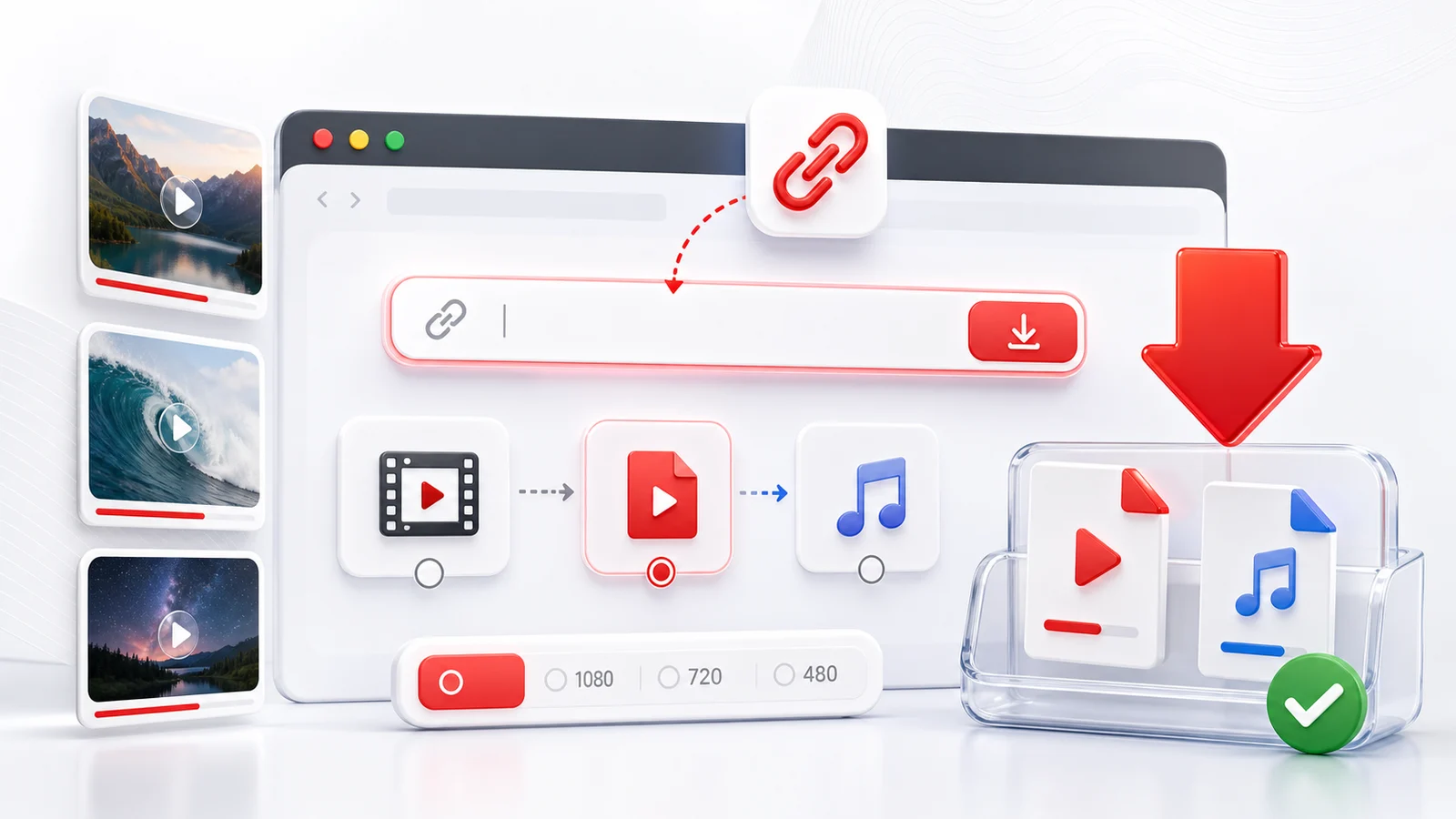
Any4K is a browser-based TikTok video downloader for public TikTok links. Copy a TikTok URL, paste it into the downloader, and choose from the available download formats.
How To Download A TikTok Video
- Open the TikTok video.
- Tap or click share, then copy the link.
- Paste the TikTok URL into Any4K.
- Select the available video option.
- Save the file to your device.
This works from desktop and mobile browsers, so you do not need to install a separate TikTok downloader app.
Quality And Format Notes
TikTok videos are often short, vertical, and mobile-first. The best option is usually the highest available MP4 quality because it is easy to replay on iPhone, Android, Windows, and macOS.
Not every public TikTok URL exposes the same formats. If a video is restricted, deleted, or blocked, Any4K may not be able to process it.
Responsible TikTok Downloads
Save TikTok videos only for permitted uses. If you plan to repost, edit, or share a creator's video, get permission and keep attribution where appropriate.
TikTok Watermarks: What You Can and Cannot Expect
The watermark question is the first thing most people ask about a TikTok downloader, and the honest answer is more nuanced than the marketing copy on most sites suggests. TikTok serves video files through its own CDN, and depending on how a given video was uploaded and which endpoint Any4K reaches, the response sometimes includes a clean variant that has no watermark burned into the pixels and sometimes includes only the standard watermarked file. Any4K lists whichever formats TikTok actually serves for that URL. We do not guess, re-encode, or fabricate a clean copy when the platform did not expose one.
What this means in practice: for some videos you will see a no-watermark MP4 option appear in the format list alongside the watermarked version, and for other videos you will see only the watermarked version. The difference comes from the source, not from Any4K. If a watermark is rendered into the video pixels at the time the file is encoded, no browser-based downloader can remove it without re-running the video through a separate inpainting or cropping step, which is a video editing task rather than a download task. Tools that claim to strip baked-in watermarks during download are either cropping the frame, blurring a region, or simply lying about what they fetched. Any4K does none of those things.
If a no-watermark variant matters for your use case, the practical workflow is to try Any4K first, see what the format list shows, and accept the result. When only a watermarked file is available, the realistic options are to use the video as-is with attribution, to crop the watermark out in a video editor (which loses some frame area), or to skip that particular clip.
TikTok URL Formats Any4K Recognizes
TikTok exposes several link shapes depending on where the share originated. Any4K handles all of the common ones:
tiktok.com/@username/video/{video_id}— the canonical desktop URL with the creator handle and a numeric video ID. This is the most reliable format to paste.vm.tiktok.com/{short_code}/— a short redirect URL commonly used by the iOS share sheet.vt.tiktok.com/{short_code}/— a similar short redirect, more common from Android share flows.- Mobile share URLs with appended tracking parameters such as
?_t=...&_r=...or?is_from_webapp=.... These usually parse correctly, but if a parse fails on a long share URL, strip everything after the?and try again with just the base URL.
Short links resolve to the canonical form on the first request, so all four shapes should produce the same result for the same underlying video. If a paste fails, the most common cause is a trailing space, a smart-quote that replaced a regular character, or a copied snippet that includes surrounding text from a chat app.
TikTok Quality Reality Check
TikTok is a mobile-first vertical platform, and the source files reflect that. The vast majority of public TikTok videos are encoded at 720p or 1080p in a 9:16 portrait aspect ratio. Some older or lower-bandwidth uploads are 540p. 4K is essentially never used on TikTok: the app does not capture or upload at that resolution from any consumer device, and the platform's playback pipeline is sized for phone screens.
This is worth saying directly because the rest of the Any4K site mentions 4K downloads for platforms that genuinely support it. TikTok is not one of those platforms. If you paste a TikTok URL and expect a 4K MP4 to appear in the format list, that expectation does not match the source. The ceiling for a TikTok download is whatever TikTok itself encoded and stored, which means 1080p on a good day. Any4K cannot manufacture pixels that the original upload never contained, and upscaling a 1080p TikTok to 4K through interpolation would add file size without adding real detail.
Bitrate is also modest. A typical 30-second TikTok at 1080p lands in the 3 to 6 MB range. This is fine for re-sharing and re-editing, but it does mean heavy color grading or strong zooms in post can reveal compression.
Common Failure Modes for TikTok Downloads
Most failed TikTok downloads fall into one of five buckets. Knowing which bucket you are in makes it faster to decide whether to try again or move on.
- Private account. The video belongs to a creator whose account is set to private and you are not on their approved follower list. The parse will fail at the metadata step. There is no workaround other than asking the creator to make the video public or to follow them and screen-record on your own device.
- Deleted video. The creator removed the post, or TikTok removed it for policy reasons. The URL still exists but resolves to a not-found state. The parse fails immediately. The only fix is finding a re-upload.
- Region-blocked content. TikTok serves some videos only in specific countries due to licensing, music rights, or regional moderation. If the request reaches a region where the video is hidden, the parse returns nothing. Trying the same URL later from a different network can produce a different result.
- Suspended creator. When TikTok suspends an account, all of that creator's videos become inaccessible to external parsers even if the URL was working yesterday. There is no recovery path from outside the platform.
- Slide or photo post. TikTok added image carousel posts that share the same URL pattern as videos. These are not video files. The parse will either fail or return image assets instead of an MP4. If you wanted the audio track from a slide post, you will need a separate workflow.
If a URL fails and none of these five reasons obviously applies, paste the canonical tiktok.com/@user/video/{id} form rather than a short redirect, and remove tracking parameters.
Saving TikTok for Re-Editing
A common reason to download a TikTok rather than just bookmark it is to take the clip into a real editor. The downloaded MP4 from Any4K opens cleanly in CapCut, DaVinci Resolve, and Adobe Premiere Pro, and works as a source clip in Final Cut Pro on macOS. The file is a standard H.264 MP4 with AAC audio, which every modern non-linear editor reads natively.
Because TikTok exports at 9:16, the clip arrives in portrait orientation. This is convenient when your target output is also vertical: re-uploading to YouTube Shorts or Instagram Reels usually requires no reframing at all, since both platforms accept 1080x1920. If you want to repurpose for a 16:9 landscape video, plan for either a blurred-background pillarbox treatment or a content-aware crop that follows the subject. Editors like CapCut and Premiere have auto-reframe features that handle this reasonably well for talking-head content but struggle with fast camera moves.
When you re-edit, treat the downloaded file as your source. Avoid re-importing a re-uploaded copy from a different aggregator, because each re-encode reduces quality. If the original carried a watermark, the watermark will appear in your edit unless you crop it out or cover it with an overlay. A clean reframe to a slightly tighter 9:16 crop is often enough to remove a corner watermark while keeping the subject centered.
For attribution, keep the original creator's handle visible somewhere in your re-edited version unless you have explicit permission to remove it. Beyond the etiquette question, TikTok's terms and most platforms' reuse rules expect creator credit on derivative posts.
Frequently Asked Questions
Can I download TikTok videos with Any4K?
Yes. Paste a public TikTok video link and Any4K will try to fetch the available download formats.
Does Any4K remove TikTok watermarks?
Any4K shows formats made available by the source and its processing pipeline. Watermark availability can vary by video and platform behavior.
Why does a TikTok link fail?
The video may be private, removed, region-restricted, or blocked from external access. Try a public video link to compare.